
 CanadaCAD
 United StatesUSD
 United KingdomGBP
 AustraliaAUD
 EuropeEUR
 Global—
What to expect when your booth arrives
From scheduling to final walkthrough, here’s how delivery and install actually go, and what we need from you to keep it on schedule.
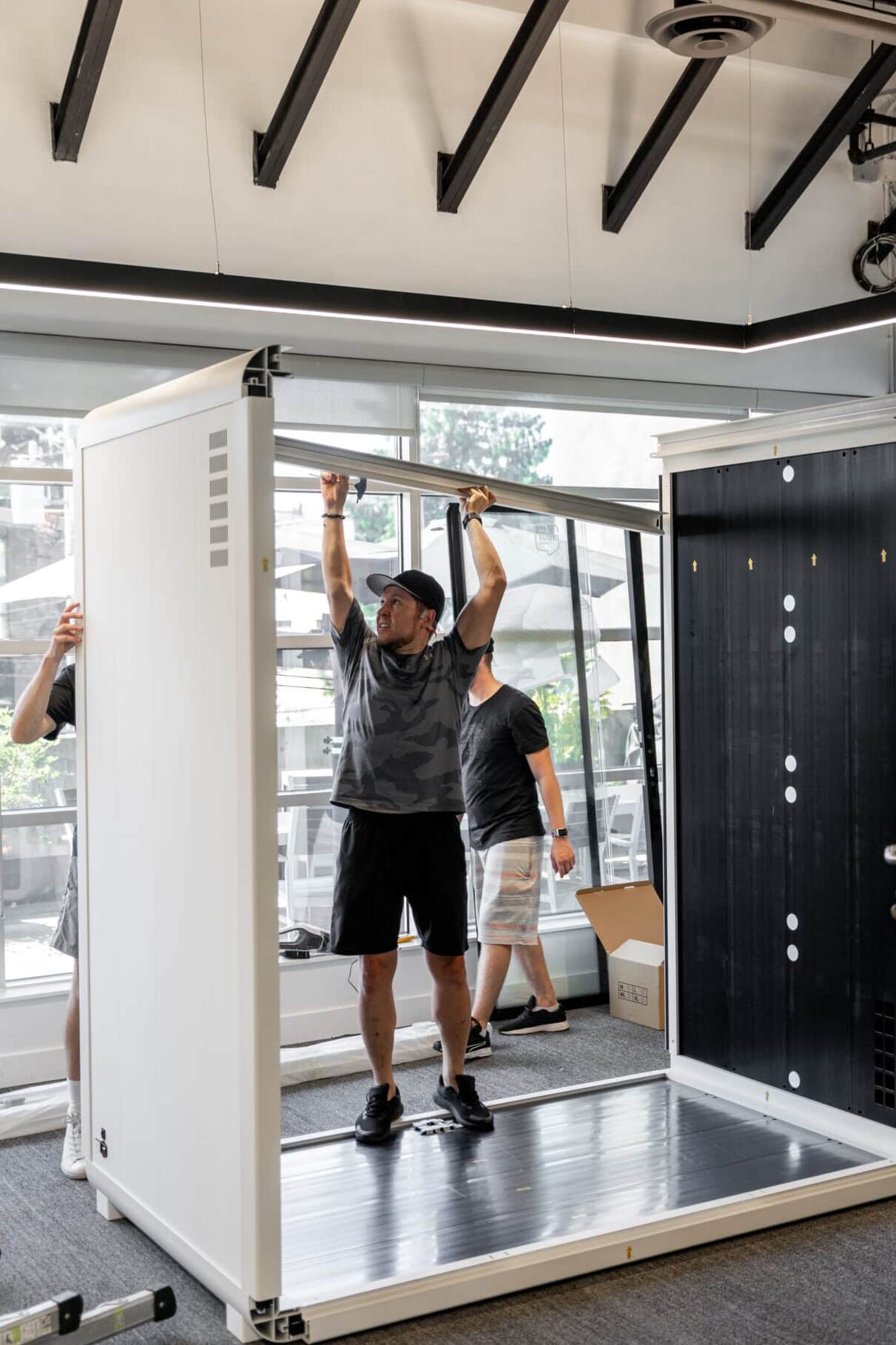
Install, step by step
Schedule your date
Our logistics team confirms a delivery window once the order is available, access details are on file and your space is ready.
Prep the space
Clear the footprint, confirm the floor plan, and check load-in logistics before the crew arrives.
Delivery and placement
Our team unloads, assembles, and places your booth exactly where it was planned to go.
Walkthrough and cleanup
We test power and ventilation, walk you through the booth, ask for a quick sign-off, and clear all debris on the way out.
What we need from you
- Clear the footprint. The install area should be empty and accessible before the crew arrives.
- Confirm the floor plan. Final placement, orientation and clearances should be locked in with your rep in advance.
- Check load-in access. Elevator dimensions, stairwells, loading docks and doorway widths: flag anything tight.
- Have power and ventilation ready. An outlet near the booth’s footprint and normal room ventilation is all it needs.
- Assign a point of contact. Someone on site who can grant access and answer questions on install day.
- Flag seismic requirements. If your region or building has seismic bracing codes, tell your rep so anchoring can be planned in advance.
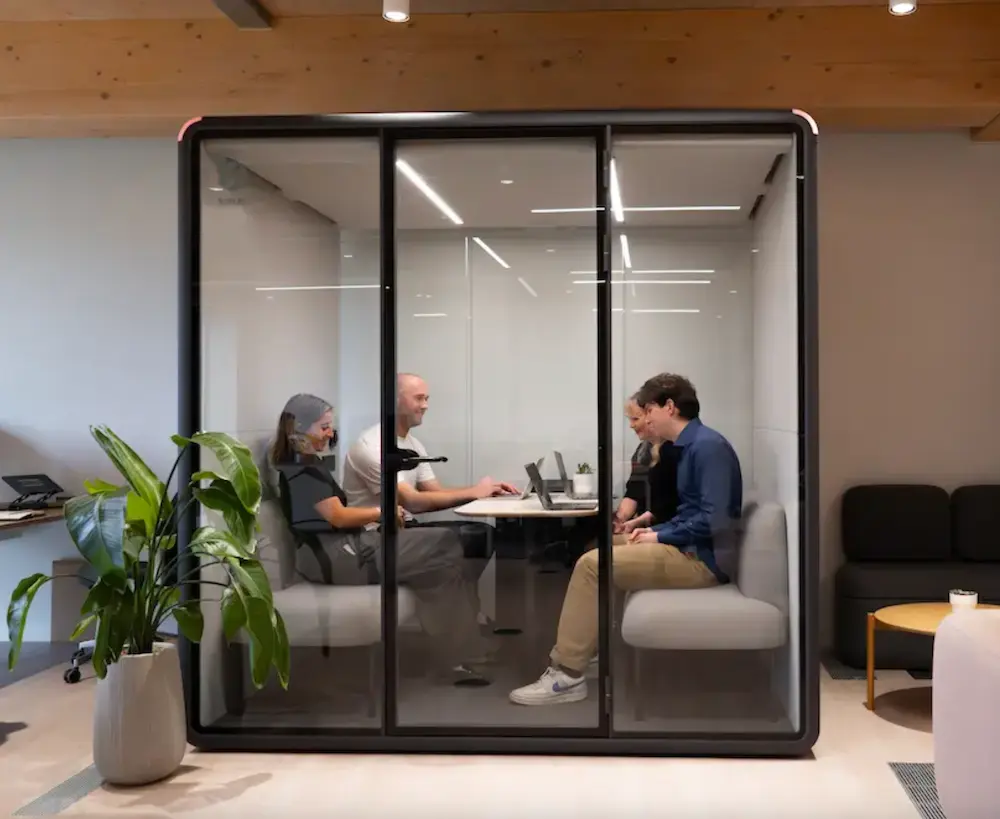
What’s included
Every Bureau installation is handled by our own team, start to finish. Full terms live on the warranty page.
Delivery and placement
Careful handling from truck to final position.
Priority tech support
A direct line if something needs attention after install.
Parts replacement
Covered for the period set out in your warranty.
Debris removal
We leave the space as clean as we found it.
Working with your own installer?
The model-specific guides below cover assembly step by step. Note that self-installation affects warranty cover on everything except the Tuesday line; see the warranty page.
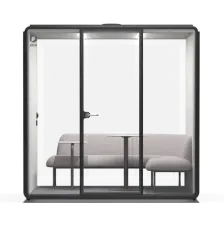
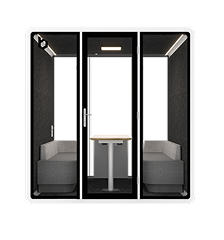
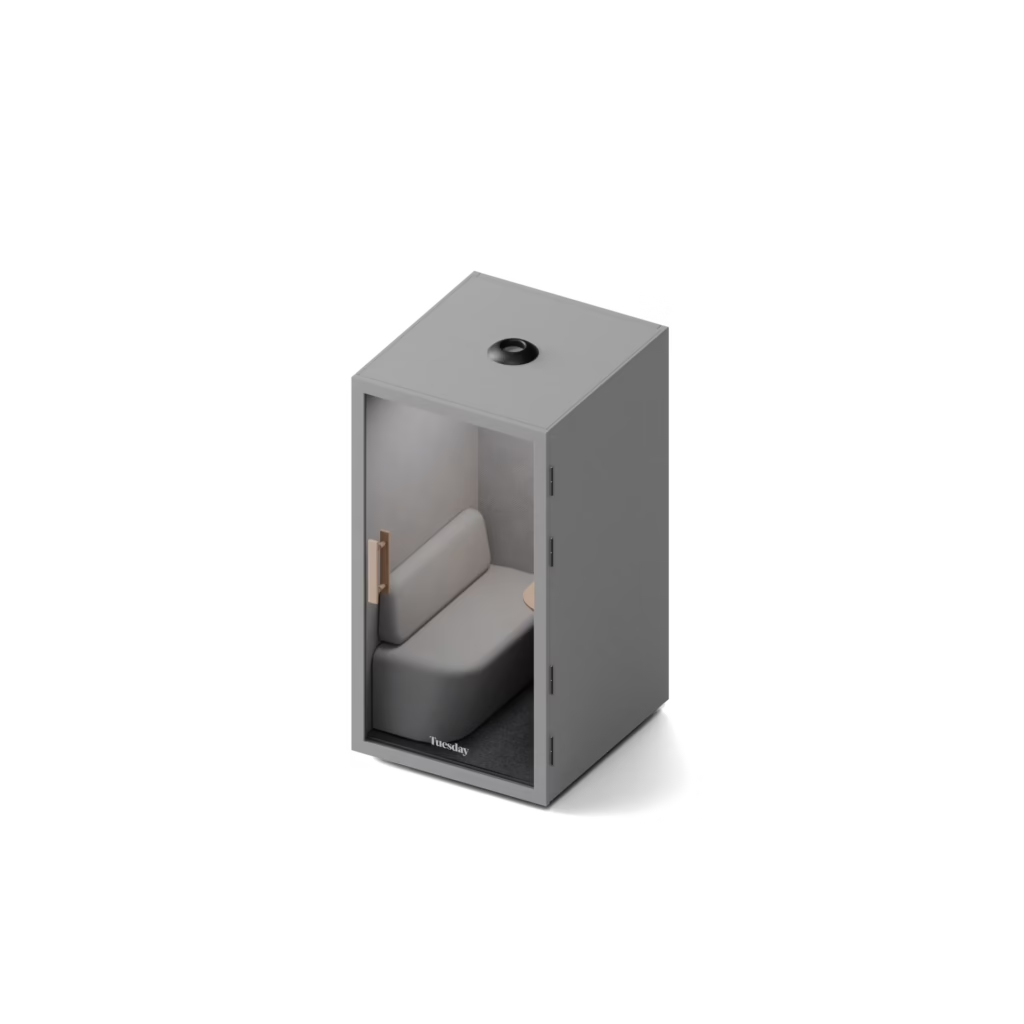
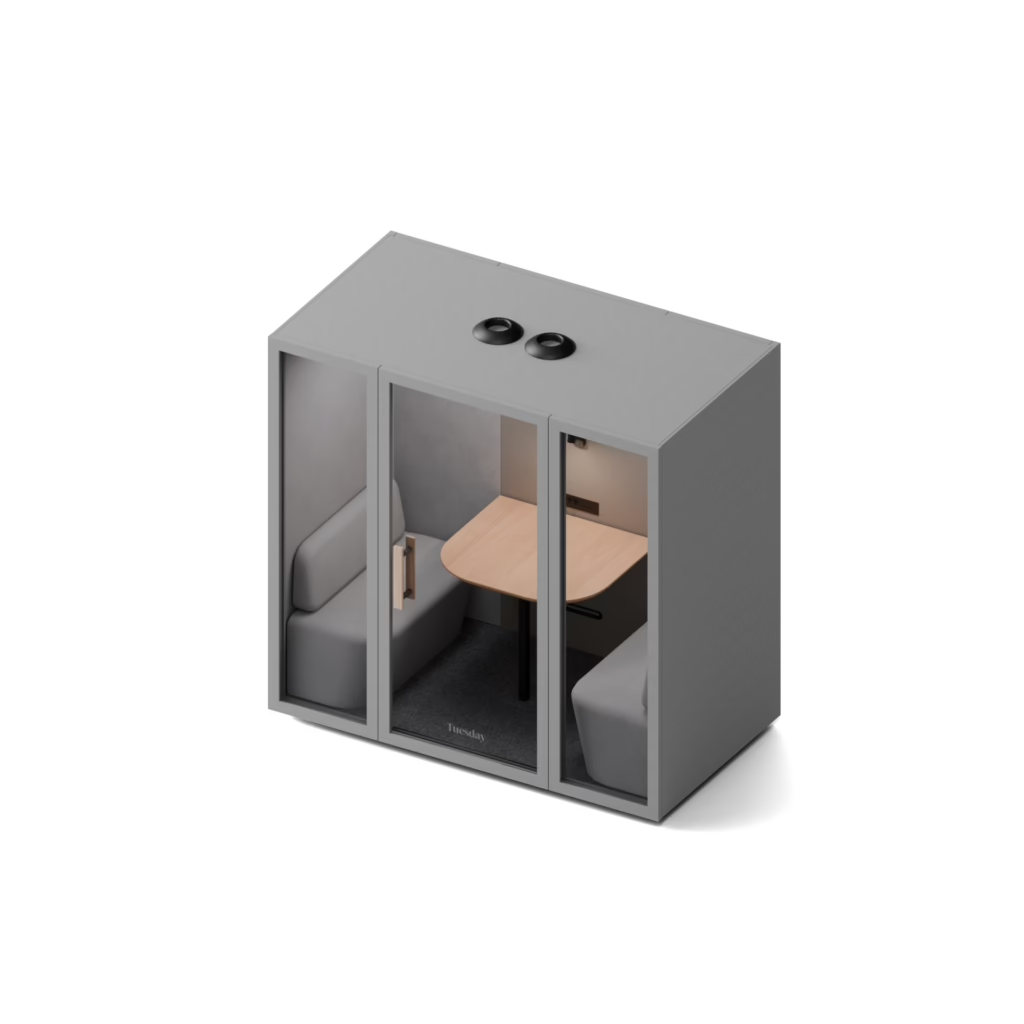
Step-by-step guides for every booth
Download the PDF for your model. Keep it with the booth: it covers assembly, adjustment and the basics of troubleshooting.

Timelines vary by region and configuration. Your Bureau contact keeps you updated as things progress, so your facilities team can plan ahead.
Settle on placement, decide who will use the booth and for what, and give your team a heads-up before install day. Tell your Bureau contact early if anything changes on your end.
Yes. Our booths are modular, so they can be repositioned within your current space, typically with two or three people or our moving kit. Larger models may need extra support.
If you move offices, your booth can move with you: disassemble it, transport it, and reassemble it in the new space.
A short note before install day covering what it’s for, how to book it, and any usage norms goes a long way toward fast adoption.
Let’s get your space ready
Talk to your rep about scheduling, load-in, or anything install related. Already installed and need help? Open a service request.